Printing and Previewing
Printing and Previewing
Printing
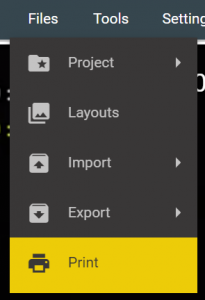
Select the Print option from the Files menu on the top bar.
You can print text files to screen and then print to paper as required.
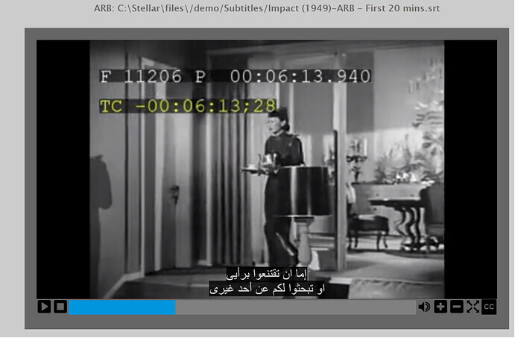
You can preview text files over video (with limited text styling support).
Selecting Print will display a new tab showing all text files in the current Task.
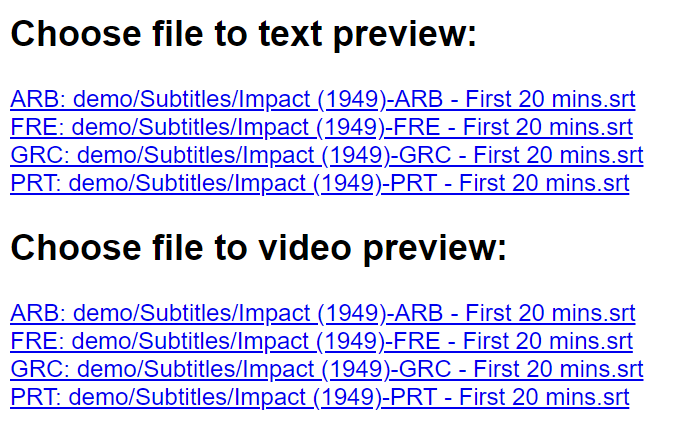
Click on one of the text preview links to view a printout style.
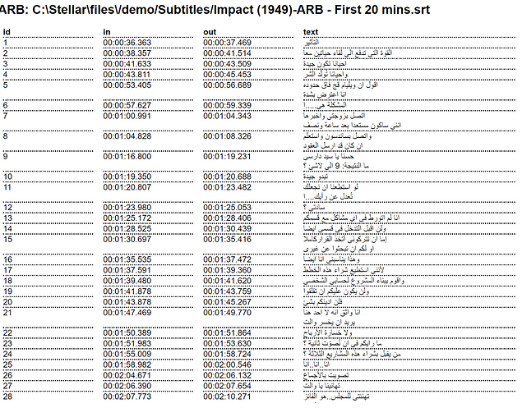
Use the standard Chrome print option to print to a printer or to a PDF.
Video preview
Click on one of the video preview links to view the text over the video.
note
The text styling will not be an exact representation of broadcast output styles.